Whenever I push for more transit, one of the most common pushbacks I hear is "I can't get rid of my car, a bus can't replace every trip." In most of California, that's completely true. But that doesn't mean we shouldn't try to move some of our car trips to transit, walking, or biking. If we each shifted just a handful of trips away from driving, we could cut greenhouse gas emissions without spending any new money, build stronger communities, and grow transit ridership.
The problem is that unless you already ride the bus, you probably don't know:
Where your nearest bus stop is
What service that stop has
Where it can take you
So I set out to build an app that answers all three questions.
Beyond that, I had a few personal goals for the project:
Design my own end-to-end system, where I decide how it works, how to make it efficient, and how to keep costs low.
Learn more about different ways of storing and updating data in a database.
Build the framework and overall architecture myself, and leave duplicative work, tedious debugging, and rapid UI iteration to AI.
End up with something I can look at and say I built it with help from AI, not that AI built it.
Actually finish it, in a reasonable amount of time (3 months).
Scoping
A side project will never get done unless I define the scope and exactly what it should look like. For Busable, that meant:
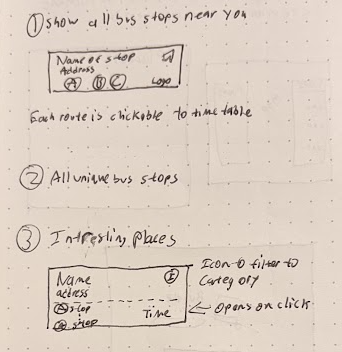
Search for nearby bus stops.
Return only the unique bus stops near an address. If the same bus stops at three stops near me, just show me one of them.
Cover all of California, and as many of its 200+ public transit agencies as possible.
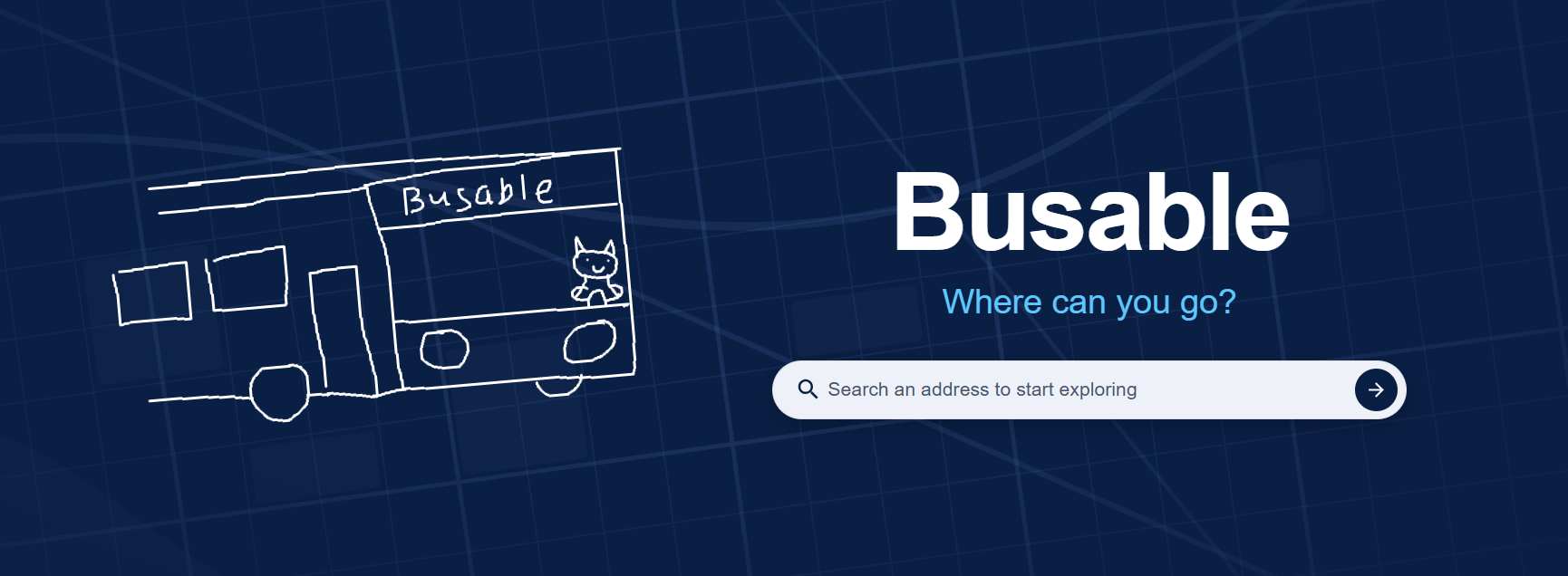
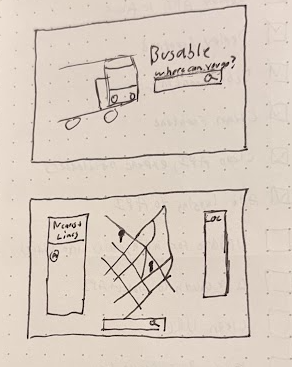
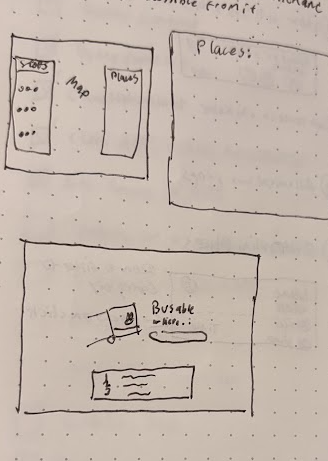
Before writing any code, I sketched out what the app should look like and what each feature needed to show:
Landing page and map layoutThe three core featuresIterating on the layout
Early Design
System Architecture & Service Decomposition
I designed the platform as a lightweight, low-cost set of services split into three main modules:
Data Ingestion Engine (Python / GTFS pipeline): Python scripts that parse raw GTFS feeds, clean the data, and link stops to route information before storing it in the database.
Read-Optimized API (.NET / C#): A stateless, lightweight REST service that serves sub-second geospatial lookups against MongoDB without heavy application-level computation.
Client Web Application (React / Node.js): A fast React app that calls the API and shows the results to the user in a modern, fun way.
Geospatial Indexing & Database Trade-offs
My first drafts used a graph database, with bus stops as vertices connected by edges so I could traverse paths. Benchmarking showed this added a lot of latency and complexity for what were really just simple radius and proximity queries. Switching to MongoDB's 2dsphere spatial indexes simplified the querying, since nearby-stop lookups could use native spherical geometry directly in the database.
Infrastructure Cost Optimization
To get rid of fixed cloud database costs (like an AWS DocumentDB cluster), I moved the data layer to the MongoDB Atlas free tier.
Places via Open Data (Overture Maps)
Instead of the Google Places API, I used Overture Maps Parquet datasets stored in S3. That let me process and filter public places across California locally and offline, and it was very cheap. The downside is that the data quality isn't great, but it's good enough.
Key Technical Challenges & Pivots
GTFS Data Ingestion & Normalization: Raw GTFS static feeds from hundreds of California transit agencies turned out to be extremely inconsistent (Varying schedules, missing stop attributes, and duplicate stop IDs). This meant I had to build solid parsing and validation pipelines before anything went into MongoDB.
Spatial Query Optimization: Replacing the planned graph-based pathing model with 2dsphere spatial indexes drastically reduced query latency and simplified the API logic, while still accurately serving radial stop searches.
Deduplication Logic: Consolidating stops that serve the same location or route took custom clustering heuristics, so users see a clean set of options instead of a pile of redundant stops.
Cost Management & Scaling Lessons
Avoiding Managed Database Overhead: Moving from managed DocumentDB to the MongoDB Atlas free tier removed fixed infrastructure costs that an early-stage hobby project doesn't need.
Leveraging Open Data Sources: Swapping paid commercial Places APIs like Google Places for Overture Maps datasets in S3 cut operating costs significantly, with data that's good enough for what Busable needs.
Pragmatic AI Acceleration: Using AI specifically to bootstrap React UI components and automate boilerplate let me iterate quickly, while the core architecture decisions stayed human-led and intentional.
The Result
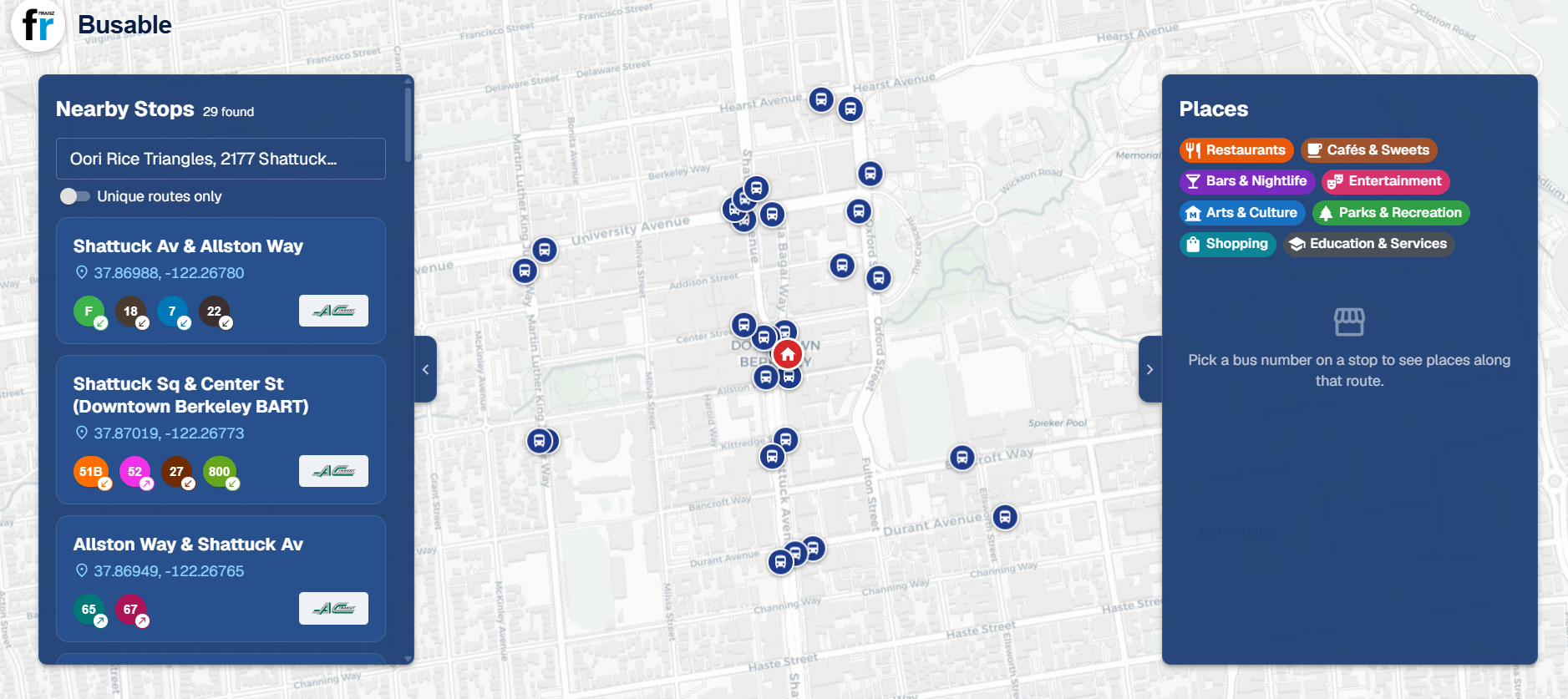
Search an address and Busable shows every nearby stop, the routes that serve it, and the agency that runs it:
Nearby stops around downtown Berkeley
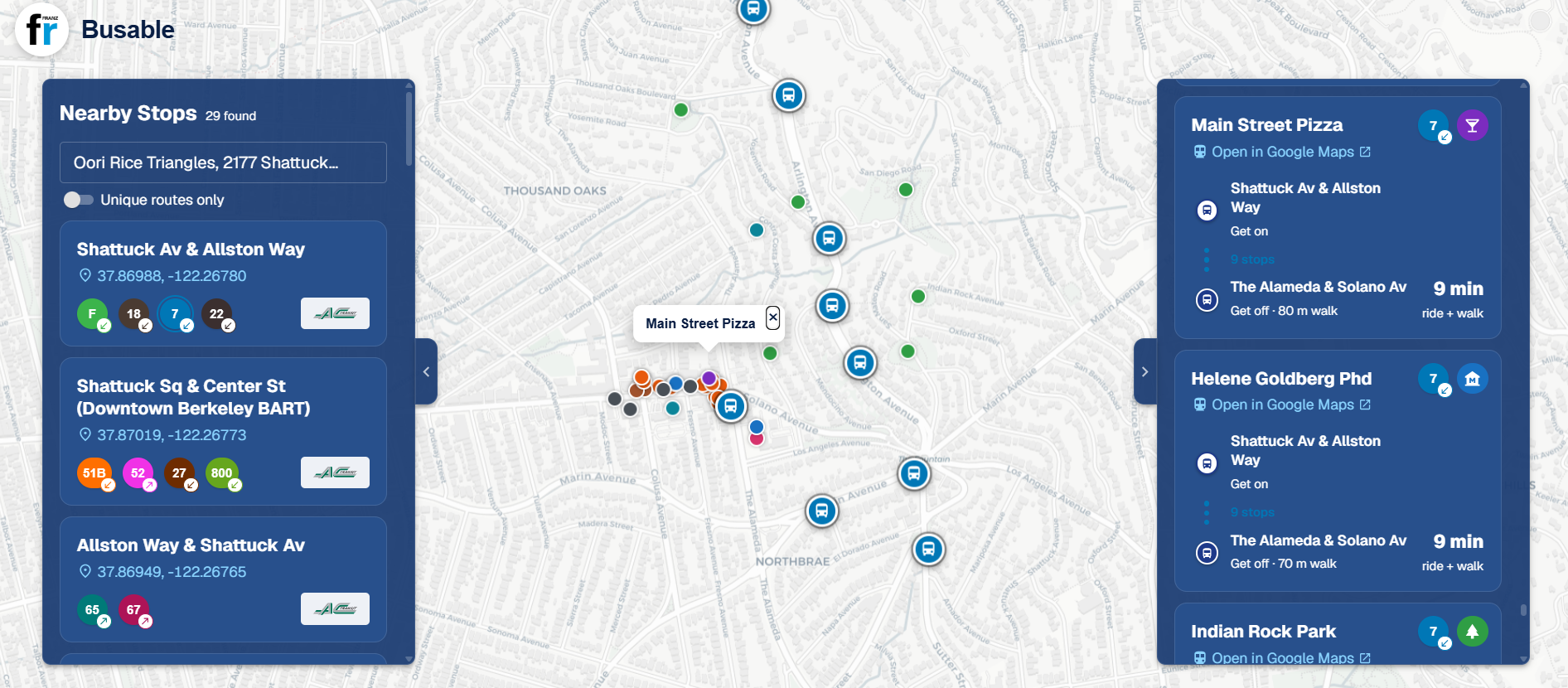
Pick a bus number and it shows interesting places along that route, with where to get on, where to get off, and how long the trip takes:
Places along the 7
Reflections
Overall, this was super fun to build! Next time, I want to slow down more at the start and really think through how everything will work. I had a general idea going in, but once I started building, I realized parts of it would be too expensive and had to figure out new solutions along the way.